stage

Changelog

New templates, features and fixes, newest first. Every image on this page was made with stage. Follow along with the RSS feed.

City-light poster and round sticker
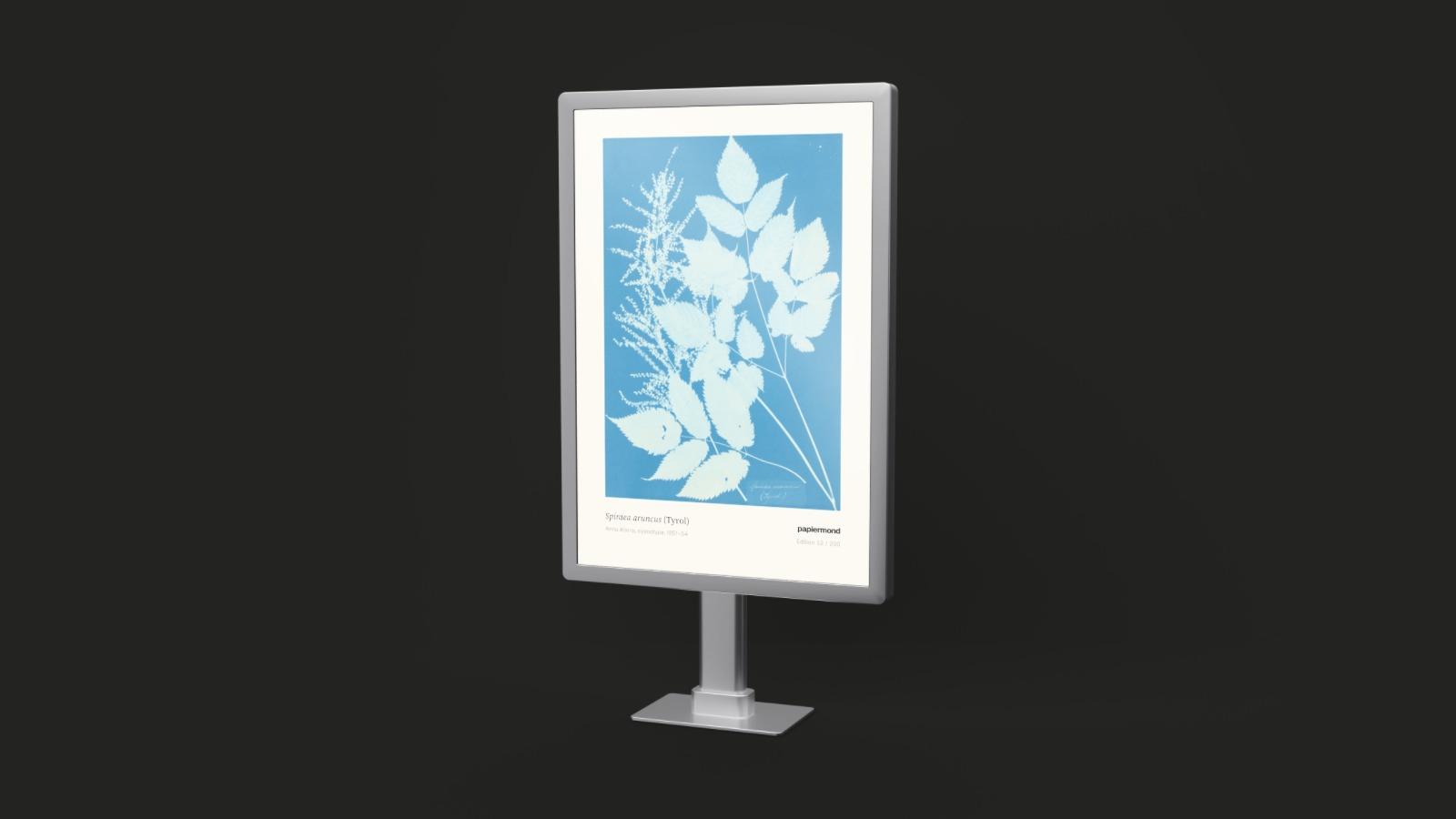
City-light case on a single post, seen at an angle on a dark grey background, lit from behind, with a blue botanical print behind glass

Two new print templates. A city-light case on a single post for outdoor campaigns, and a round die-cut vinyl sticker.

The city-light case holds a portrait poster of about 1185 × 1750 mm behind glass, the size used at bus stops and in pedestrian zones. Turn up Backlight to see how the poster reads after dark.

Round blue sticker for an analytics product lying on a dark grey surface, seen at an angle

The sticker is 80 mm across and lies flat with its edge just lifting. Choose a gloss or a matte laminate under Finish.

Both come with nine perspectives, nine close-ups and the custom view. Find them under Print and trade show.

Fixes and improvements
  • Trade show fabric looks closer to the real thing, with tension waves, a soft roll into the frame and a sheen that follows the light
  • Shadows in the custom view are stronger, and the background stays clean while the image refines
  • Imprint and privacy pages, linked in the footer
Backlit lightboxes

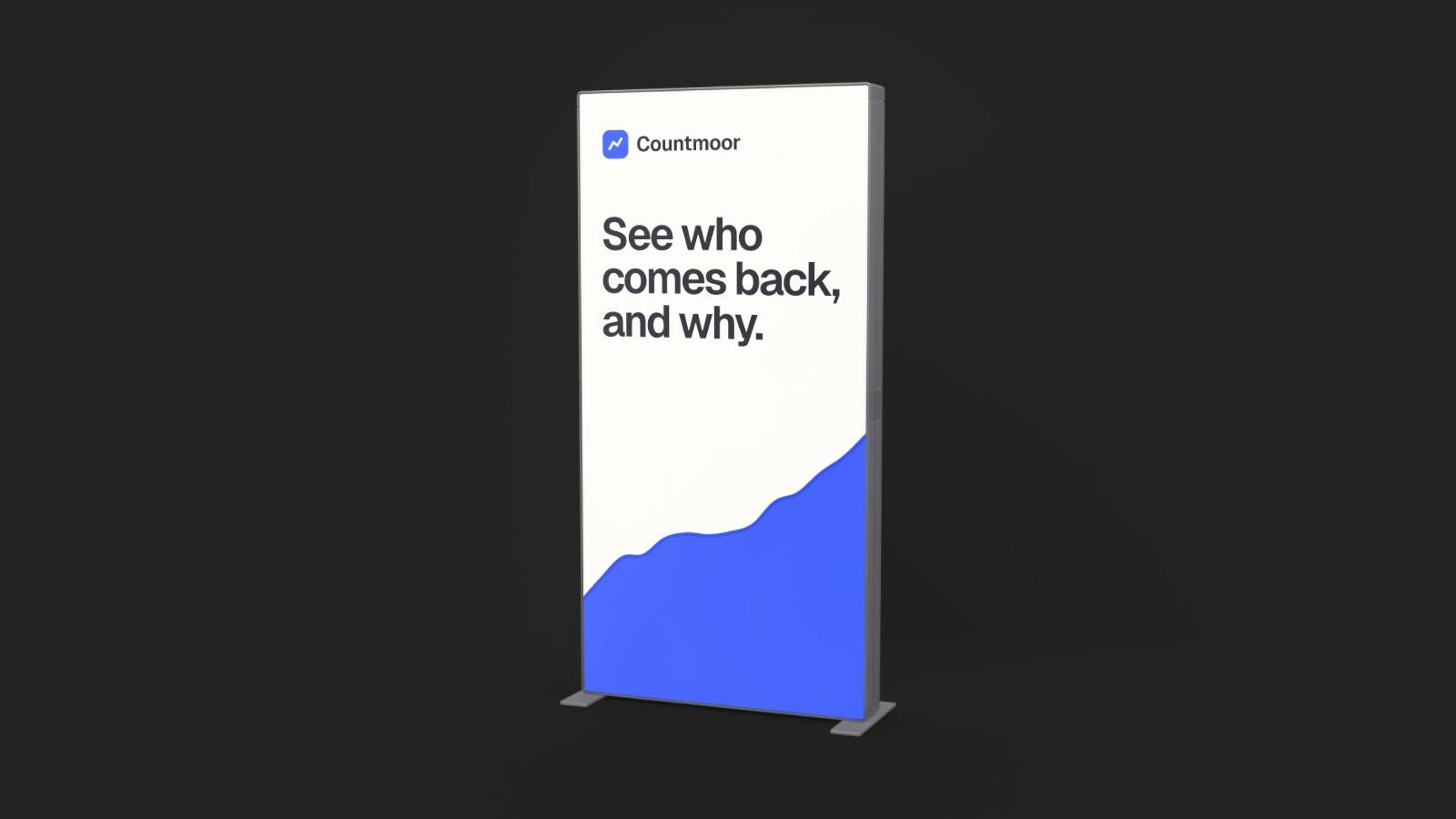
A 1 × 2 m fabric lightbox in a black frame for an analytics product, lit from behind, on a dark grey background

The fabric lightboxes and the trade show counter can now be lit from behind. A Backlight slider in the Finish section sets how strongly, starting from off.

The light comes through the printed fabric, as on a stand in a dim hall. It works in all perspectives, in the close-ups and in the custom view, where the path tracer lets the fabric glow.

Status bar and menu bar

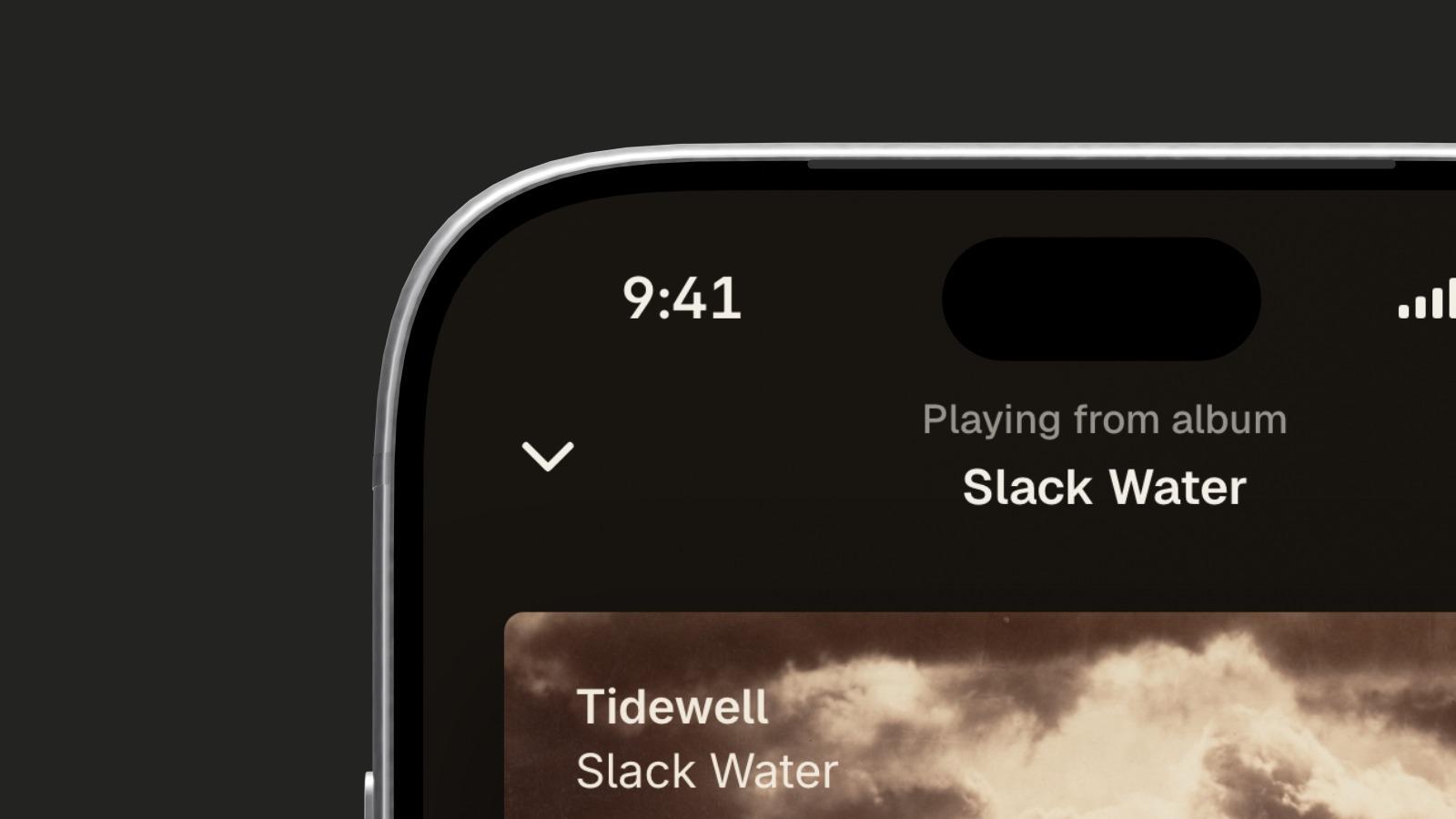
Phone, foldable and tablet screens can show a status bar over your design, notebooks and displays a menu bar. Pick light or dark text or let stage follow your design, set the time, and decide whether the design starts below the bar. Guides on the canvas mark the safe area around camera cutouts.

Close-up of the top left of a phone screen, the time 9:41 above a music player, on a dark grey background
Fixes and improvements
  • Lightbox and counter frames show the 2 mm joints between their parts, glossier corners and a warmer white

stage is live at get-stage.com

Display seen at an angle on a dark grey background, its screen showing a bakery's website

stage has its own address now. Upload a screenshot, pick a template and an angle, download a PNG or JPG. Free, no account, and your files stay in your browser.

One editor for every template

Every template now opens in the same editor. The panel on the right is ordered like the properties panel of a design tool: template, perspective, design, format, background and finish, then camera or look and logo.

Transparent PNG

Pick the checkerboard swatch under Background for a transparent background. The PNG keeps its alpha, in the ready-made views and in the custom view, so the device drops straight onto a slide or a web page. A switch next to it keeps or removes the shadow.

Fixes and improvements
  • Business cards, badges and A4 sheets get nine perspectives and nine close-ups too, with cards and sheets lying on a table
  • In the custom view, the select tool (V) is the default and drags your design on any face; move is now G

Foldables, a smart display and trade show stands

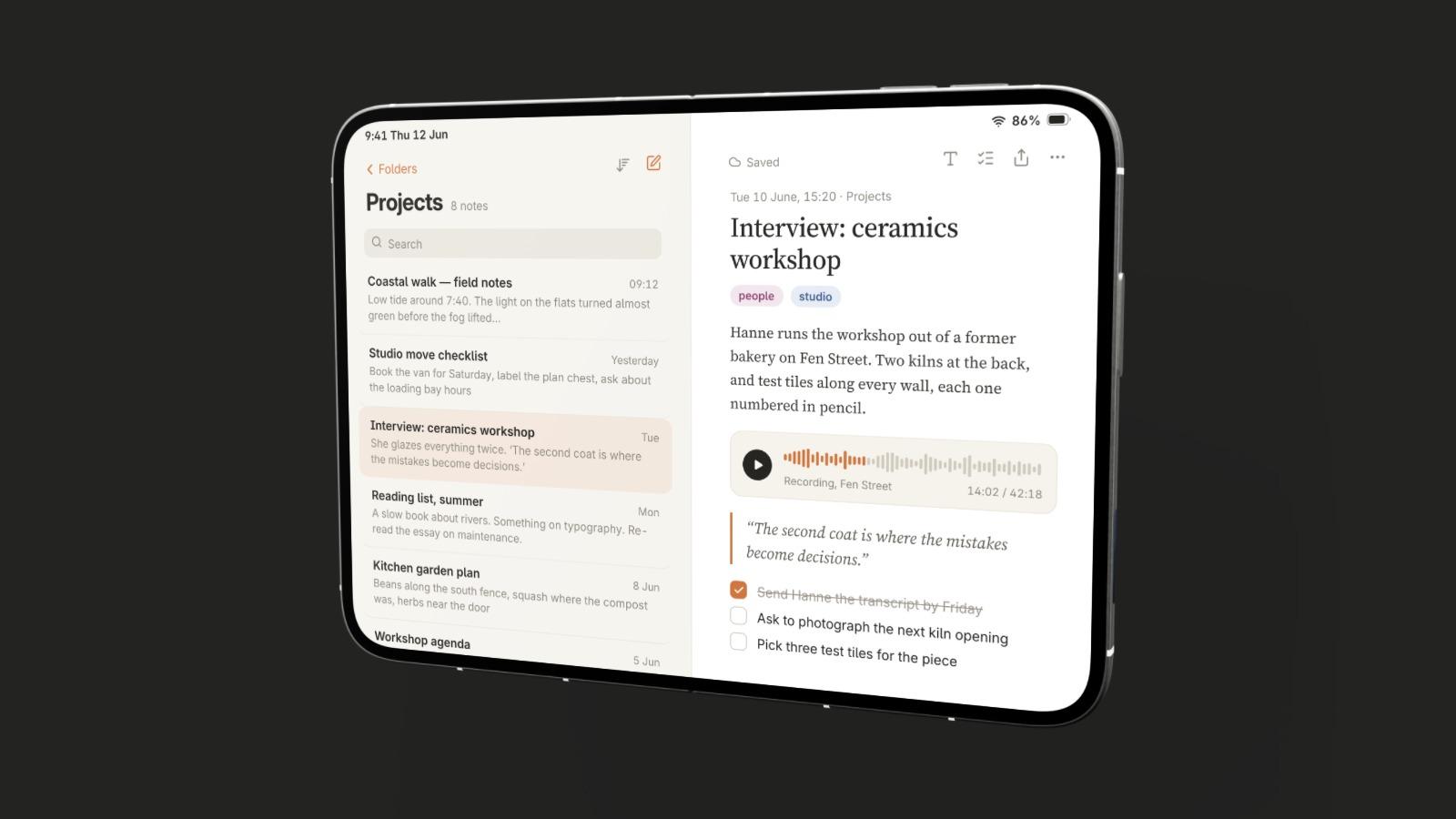
Open foldable phone showing a note-taking app, seen at an angle on a dark grey background

Six new templates. A foldable phone open and closed, a smart display, fabric lightboxes of 1 × 2 m and 2 × 2 m, and a trade show counter.

Each comes with nine perspectives and nine close-ups. The foldables and the smart display also open in the custom view.

A page for every template

Every template has its own page under Mockups, with all its perspectives, close-ups and examples. Each view opens in the editor, ready for your design.

Fixes and improvements
  • A grid of dots shows while images, previews and the editor load

Nine perspectives and nine close-ups

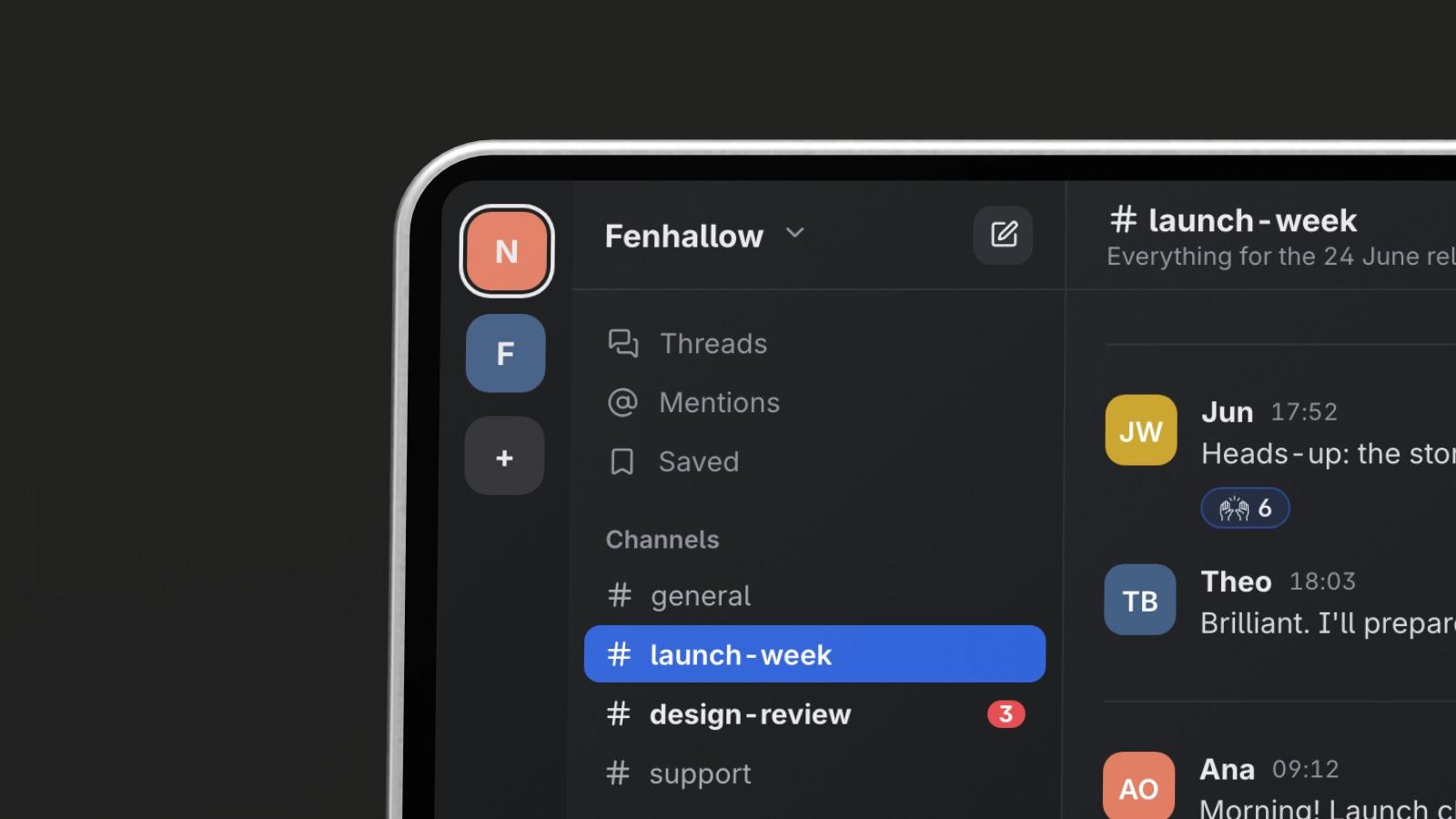
Close-up of the top left of a notebook screen showing a team chat app, on a dark grey background

Every template now has nine camera positions and nine close-ups, each a ready-made render you can start from.

The perspectives sit in a 3 × 3 grid in the panel. Rows are camera heights, from high to low near the floor, and columns turn the device from left to right.

The close-ups divide the screen into the same grid, for showing one detail of your design up close.

Fixes and improvements
  • The device picks up the background colour in its reflections, in the ready-made views and in the custom view
  • Crop to 16:9, 9:16, 1:1, 4:5 or a size of your own; the frame may reach past the render
  • Renders are lit like a photo studio, with softboxes in the reflections

Custom view with path tracing

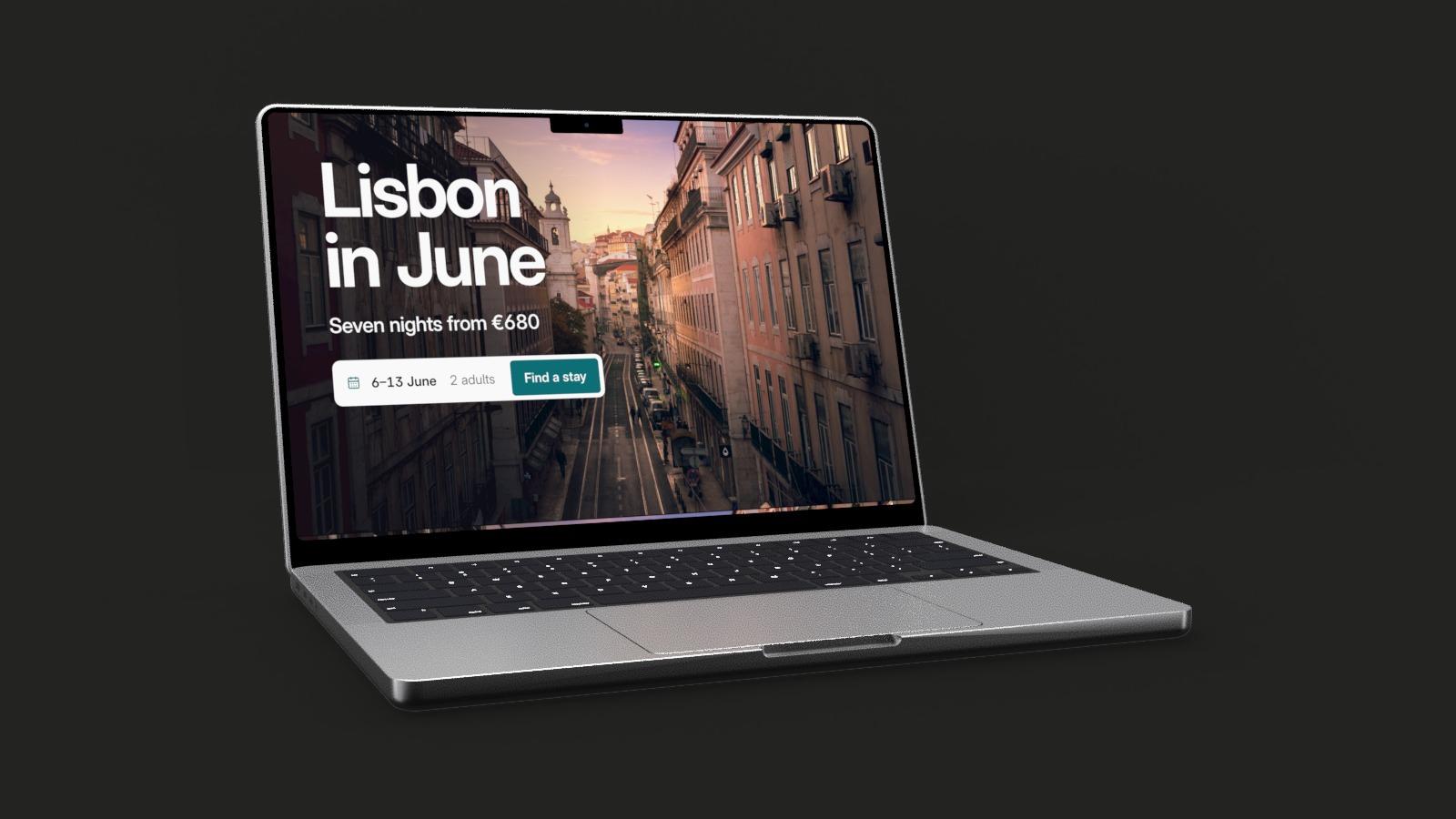
Notebook seen from the right on a dark grey background, its screen showing a travel page titled "Lisbon in June", path traced in the browser

Turn the device and move the camera freely, and the final image is path traced in your browser. No upload and no render queue.

The custom view uses the same models as the ready-made perspectives. Orbit around the device or fly through the scene, and set the focal length and the aperture. While you hold still, the path tracer adds samples until the image is clean.

Export renders at the size you choose, in several quality levels.

Fixes and improvements
  • Preview quality at full, half or a quarter of the resolution, for slower graphics cards
  • The light follows the camera, as in the ready-made views